
Voice Screen Lock2.7 - Google Play
You'll be able to see results in few seconds.
Publisher Description
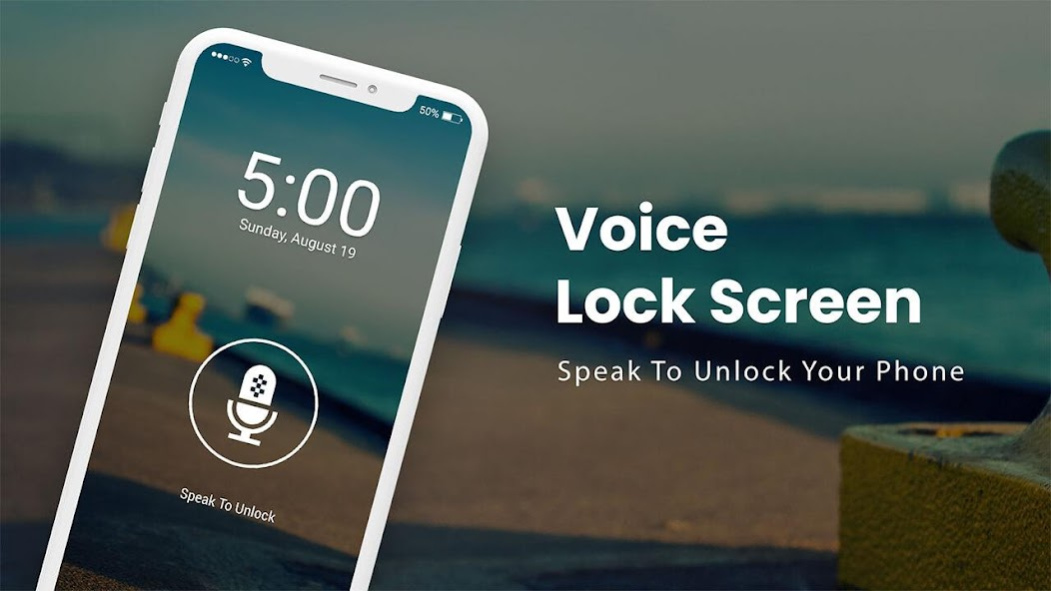

is a smart lock screen app that works with
voice recognition methodology
that allows you to unlock your phone using voice commands. Speak and unlock your device using your voice set password. This
Gesture Lock Screen
app gets a brand new screen lock feature, just say your password and open your lock.
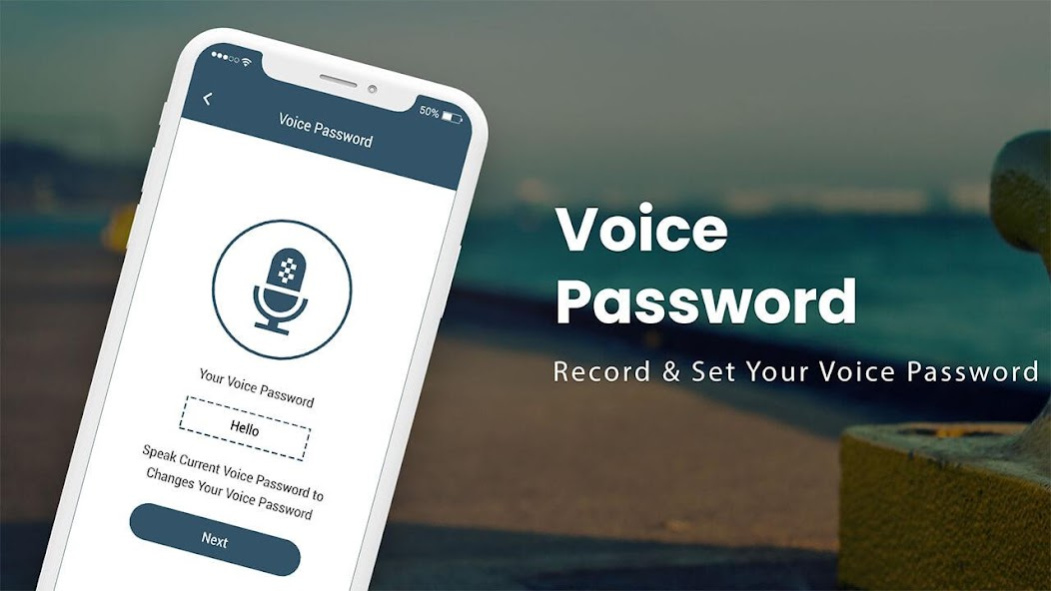
You have an option to set a voice command to unlock your device while unlocking your mobile, and also an option unlock by password command for this need to be set from the app settings screen. This password pin was used as a forgotten voice command.
Unlock your Android phone screen
by Voice.
Set a voice password
and use it to unlock your device. Using the traditional way to lock/unlock the screen of smartphones is now out of date. While using a new approach to
lock/unlock your smartphone
is to use your voice to Lock & Keep your mobile safe from poking Eyes.
You Can use different lock screens with different patterns to protect your data or personal or sensitive data. If you want a completely different lock screen that works with your voice then your wish will be fulfilled as you installed the
Voice Screen Lock - Unlock Screen By Voice
Locker App.
Voice Screen Lock
application gets a completely new style lock screen through you just say your password and open your lock.
This
smart voice lock screen
works with your voice commands which makes your phone different from others, we have also provided a keypad lock screen method with this app. If you think I don't want to tell the password to others you can think of a "voice password" or you can't unlock your phone using your voice command or voice password unlock, don't bother yourself that your phone is locked. will be done permanently. You guys can use the alternate pin code option to unlock your smartphone.
Feature of Voice Screen Lock - Unlock Screen By Voice
:
# You can set a voice & pin password to unlock the device.
# Enable Voice Lock Screen with a single click on the mic.
# Different Backgrounds are available to change the theme.
# Show date and time on screen with the Color.
# Set your own type of voice password.
# User Friendly and the best Voice Unlocker.
# Enhance Security using Home Key.
# Change font Style to make more attractive your Voice Lock Screen.
# Set a numeric password if the voice password doesn't work.
This is the best
voice unlocker app
that opens using your voice command only & no one can open this lock screen. You also turn your
lock screen sound On/Off
whenever you change this password easily. You are unable to unlock your phone using your voice command or password to unlock so don't bother yourself that your phone will lock the screen permanently. You use different
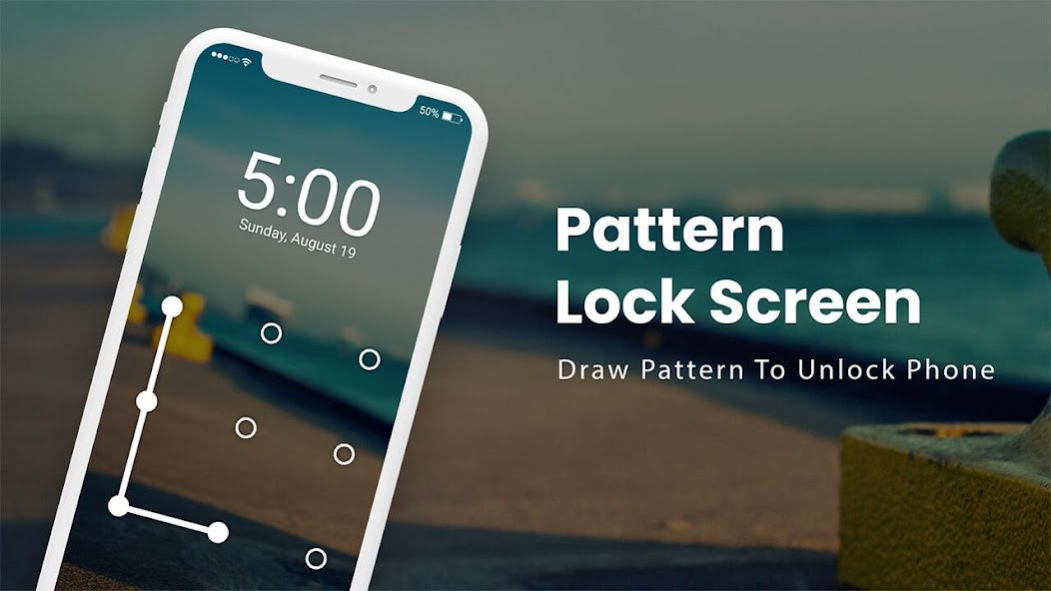
smart lock pattern screens
with different patterns to protect your data or private or sensitive data.
This
Pattern Screen Lock app
is built on speech recognition, it will guide you in case speech recognition service is not available on your device. Your friends will be surprised that your phone can detect sound with your password.
Smart Lock Voice
is the official app for locked smartphones that is used to unlock the screen.
Unique Voice Screen Lock
is a new and very unique lock way to lock/unlock your phone device. If you don't want to tell others about your "Voice Password" or you are unable to
unlock your phone
using your voice command or voice password, don't bother yourself that your phone is permanent.
This is the best application if you want to have a
unique voice lock screen
option on your phone device.
Lock Screen Password app
is very easy to use and easy to set up with your voice. Show your friends and family members the new style of unlocking your device through your voice commands and voice controls.
About Voice Screen Lock
The company that develops Voice Screen Lock is Coloring Games and Coloring Book for Adults. The latest version released by its developer is 2.7.
To install Voice Screen Lock on your Android device, just click the green Continue To App button above to start the installation process. The app is listed on our website since 2023-12-07 and was downloaded 0 times. We have already checked if the download link is safe, however for your own protection we recommend that you scan the downloaded app with your antivirus. Your antivirus may detect the Voice Screen Lock as malware if the download link to com.lock.unlock.voice.screen.speak.phone.password is broken.
How to install Voice Screen Lock on your Android device:
- Click on the Continue To App button on our website. This will redirect you to Google Play.
- Once the Voice Screen Lock is shown in the Google Play listing of your Android device, you can start its download and installation. Tap on the Install button located below the search bar and to the right of the app icon.
- A pop-up window with the permissions required by Voice Screen Lock will be shown. Click on Accept to continue the process.
- Voice Screen Lock will be downloaded onto your device, displaying a progress. Once the download completes, the installation will start and you'll get a notification after the installation is finished.
Program Details
System requirements
Download information
Pricing
Version History
version 2.7
posted on 2023-12-07
Thanks for staying with us! The new version offers:
- Improve Performance.
- Bug Fixes
We love getting feedback from all of you! Please leave your feedback.
version 2.7
posted on 2023-12-07
Thanks for staying with us! The new version offers:
- Improve Performance.
- Bug Fixes
We love getting feedback from all of you! Please leave your feedback.
version 2.6
posted on 2023-09-20
Disclaimer
Official Google Play Link
We do not host Voice Screen Lock on our servers. We did not scan it for viruses, adware, spyware or other type of malware. This app is hosted by Google and passed their terms and conditions to be listed there. We recommend caution when installing it.
The Google Play link for Voice Screen Lock is provided to you by apps112.com without any warranties, representations or guarantees of any kind, so access it at your own risk.
If you have questions regarding this particular app contact the publisher directly. For questions about the functionalities of apps112.com contact us.
